Loggers
Loggers are devices that can be used to ‘log’ or record something. Two types of loggers are relevant to us here: keyloggers and screen loggers.
Keyloggers
Keyloggers are devices that basically record all keystrokes on your keyboard. They are placed between the keyboard and the computer and look like normal USB adapters:
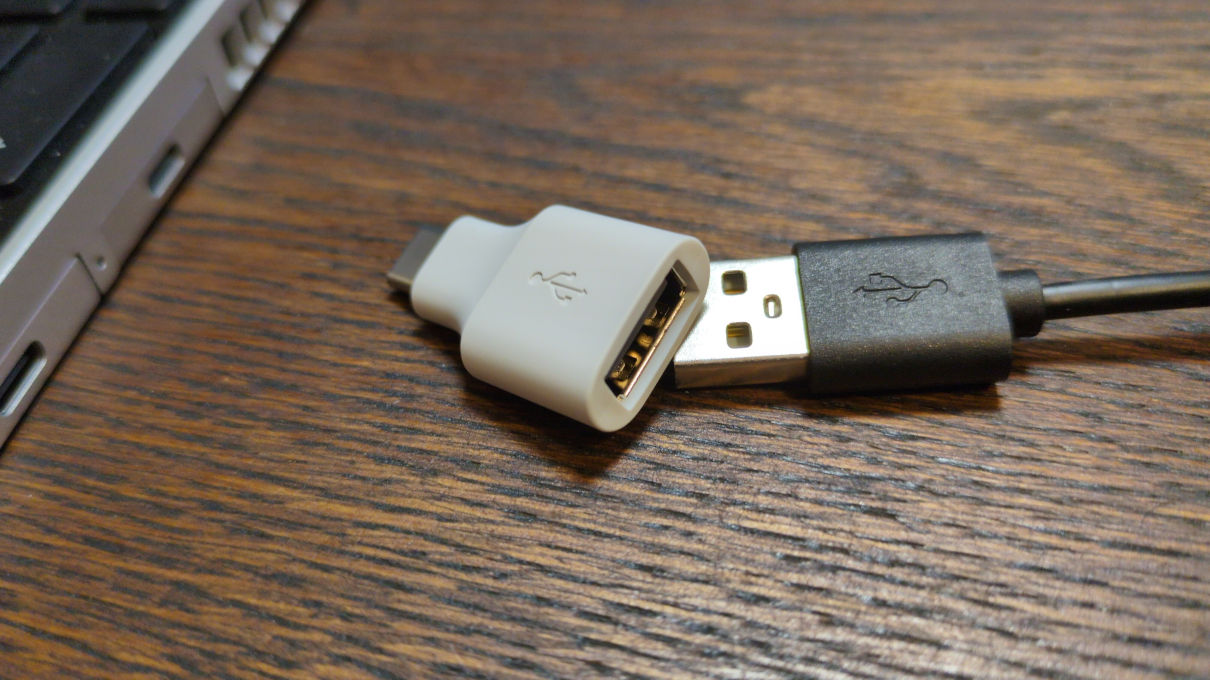
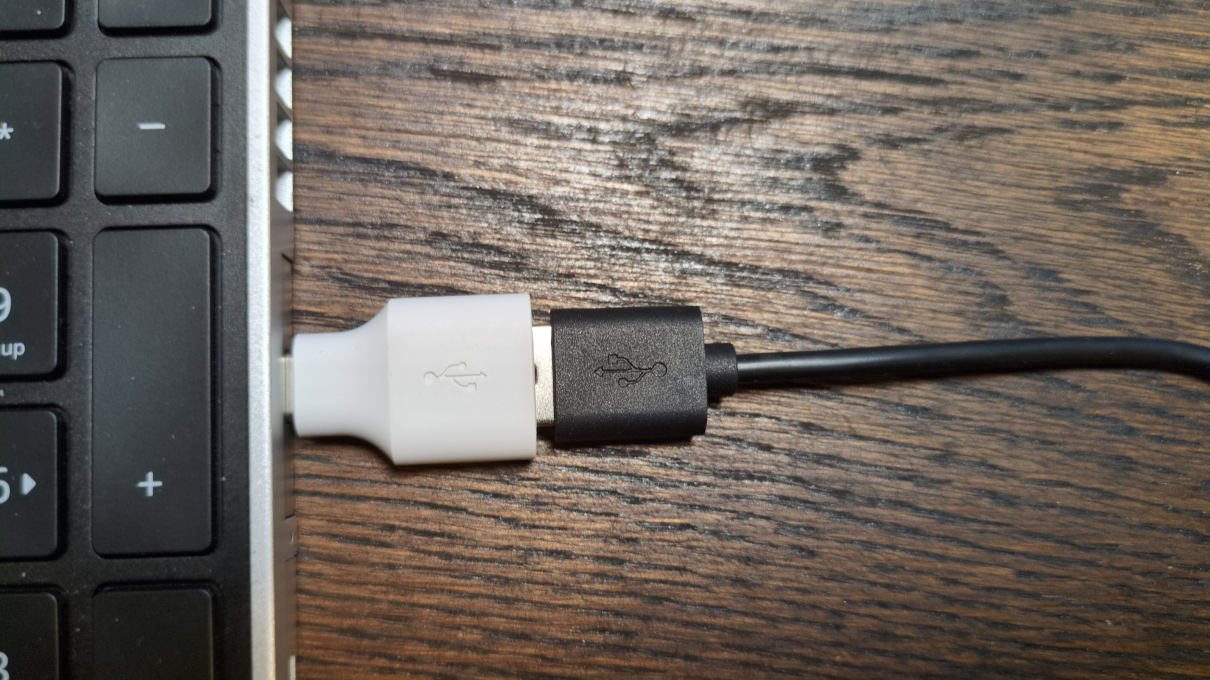
They can send every single keystroke to an attacker in real time via radio/WiFi/LTE. The problem with this is obvious.
These keyloggers are available for very little money and are easy to obtain, making them very simple to use even for amateurs. There are even keyloggers that look like normal cables, see for example the O.MG Cable.
More advanced attackers (e.g., government agencies) can also install keyloggers in the keyboards themselves by unscrewing the keyboard and installing a small keylogger circuit board directly on the keyboard’s electronics. Or they can simply replace the keyboard with a manipulated one. This would not be noticeable on the USB port alone, of course.
Screenloggers
Screen loggers work on the same principle as keyloggers. An adapter-like device is plugged between the display and the PC (depending on the connection used: VGA, HDMI, DisplayPort, etc.) and can then record the entire image transmission and send it to the attacker via radio/WiFi/LTE.
- publicly accessible PCs
- other PCs that are not always under observation (your own office, for example)
It should also be noted that “key loggers” and “screen loggers” can also refer to software loggers. However, these are nothing more than viruses and describe a completely different threat than the ones discussed here.
Feedback: You have feedback for esc-it.org? Feel free to use our short feedback form.